
Cybersecurity budget
Allocating funds for network security requires balancing upfront costs against long-term risk reduction. A realistic budget accounts for the full lifecycle of tools, including licensing, maintenance, and personnel training. Ignoring these hidden expenses often leads to underfunded security operations that fail during critical incidents.
The most effective strategy prioritizes core infrastructure protection over peripheral features. Start by securing the network perimeter and endpoint detection, then allocate remaining funds to specialized tools like intrusion prevention or automated threat intelligence. This phased approach ensures foundational defenses are robust before expanding capabilities.
When evaluating vendors, consider the total cost of ownership. A lower-priced solution may lack essential support or integration capabilities, forcing costly custom development later. Conversely, premium enterprise suites often include necessary compliance reporting and 24/7 support, reducing internal overhead. Evaluate each option against your specific threat model and operational capacity.
Compare top cybersecurity solutions
Choosing the right cybersecurity tools depends on your specific infrastructure needs. The market offers distinct approaches, from all-in-one enterprise suites to specialized endpoint protection. Below we compare the strongest options available for 2026, focusing on core capabilities and practical deployment.
Enterprise-grade security platforms
These suites provide comprehensive protection for large organizations with complex networks. They integrate threat intelligence, endpoint detection, and network monitoring into a single dashboard. While powerful, they often require significant IT resources to configure and maintain.
Endpoint detection and response (EDR)
EDR solutions focus specifically on devices like laptops and servers. They monitor process activity and network connections to detect suspicious behavior in real-time. This approach is ideal for teams that need granular visibility into individual machines without managing a massive central platform.
Network security appliances
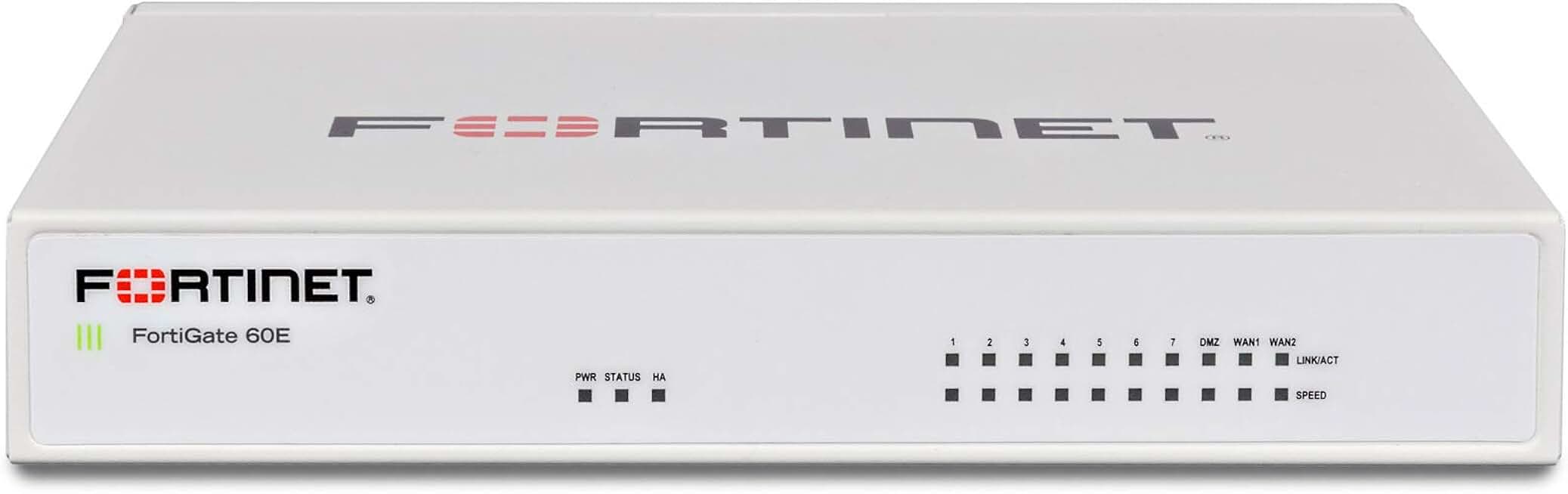
Hardware and software firewalls, intrusion prevention systems, and secure web gateways form the backbone of perimeter defense. These tools filter traffic before it reaches internal systems. For many businesses, combining these appliances with cloud-based security offers the best balance of speed and protection.
| Solution Type | Coverage Scope | Setup Complexity | Ideal Use Case |
|---|---|---|---|
| Enterprise Suite | Organization-wide | High | Large corporations with dedicated IT teams |
| EDR Solutions | Endpoint devices | Medium | Remote workforces and individual device management |
| Network Appliances | Perimeter and internal traffic | Medium-High | Protecting network boundaries and filtering traffic |
| Cloud Security (CSPM) | Cloud infrastructure | Low-Medium | Organizations migrating to or using AWS/Azure/GCP |
Cloud-native security tools
As businesses move operations to AWS, Azure, and Google Cloud, traditional perimeter defenses become less effective. Cloud Security Posture Management (CSPM) tools automatically scan for misconfigurations and compliance violations. They are essential for maintaining security in dynamic, scalable environments where infrastructure changes frequently.

As an Amazon Associate, we may earn from qualifying purchases.
Key considerations for selection
When evaluating these options, prioritize integration capabilities. Disconnected security tools create blind spots that attackers can exploit. Look for platforms that share telemetry data automatically, reducing the manual effort required for incident response. Also, consider ongoing management costs, including licensing, hardware, and staff time.
Inspect the expensive parts of your network
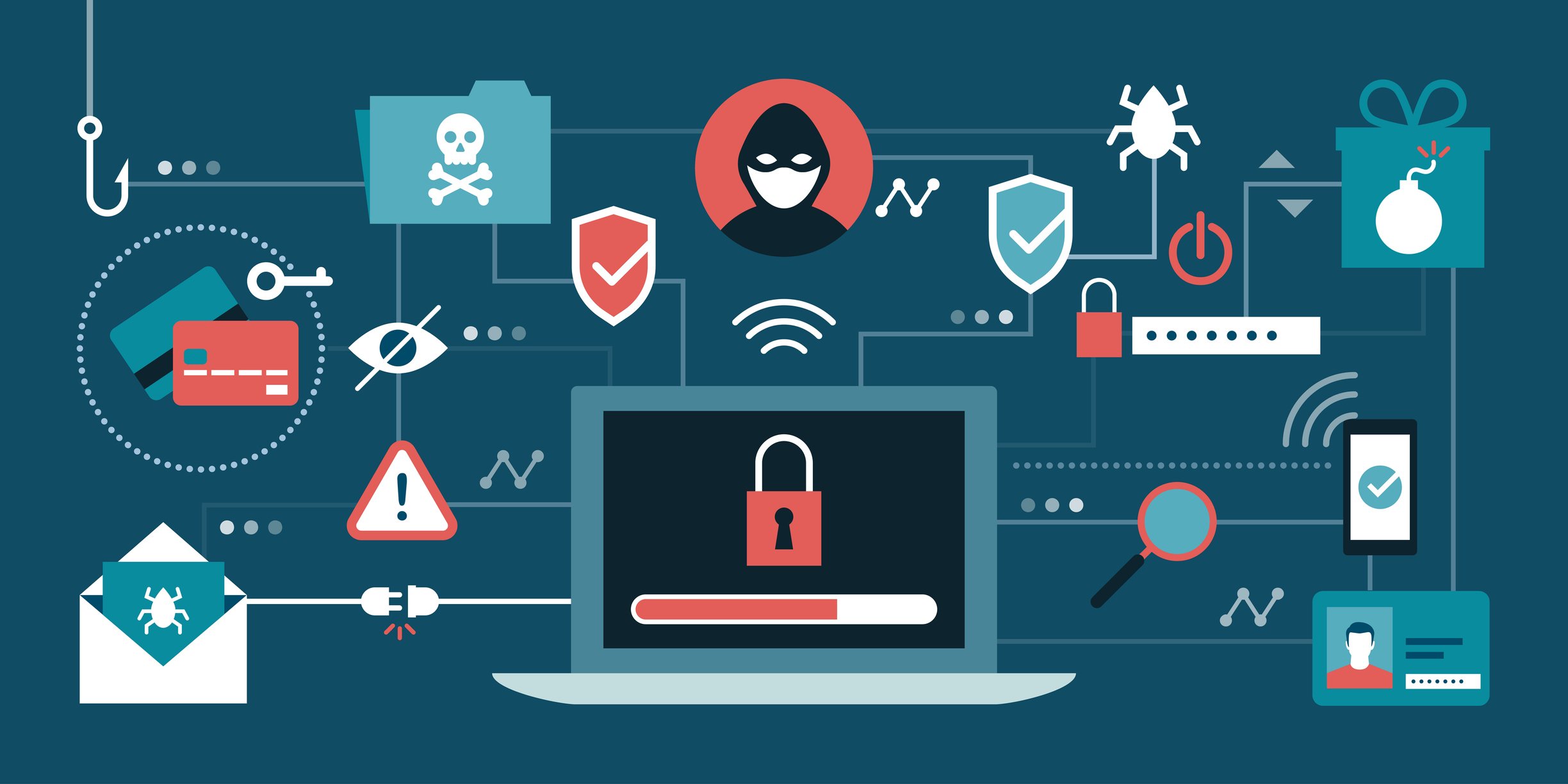
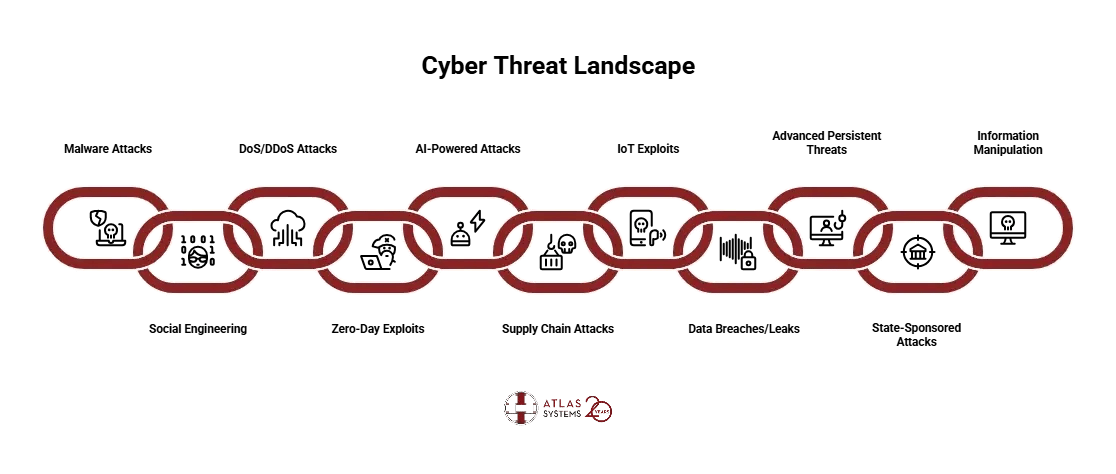
Most security breaches don’t start with a complex zero-day exploit; they start with unpatched vulnerabilities in critical infrastructure. When planning your 2026 penetration testing strategy, focus your budget on the components where failure is most costly. A checklist approach helps you prioritize these high-risk areas before attackers do.
Legacy software often lacks vendor support, making it a prime target for known exploits. Identify any end-of-life operating systems or outdated libraries in your production environment. Prioritize these for immediate patching or isolation, as they represent the easiest entry points for automated attack tools.
Excessive permissions are a leading cause of lateral movement during an intrusion. Review admin accounts and service credentials to ensure they follow the principle of least privilege. Test whether a compromised low-level account can escalate to administrative rights, a common failure in poorly segmented networks.

Weak segmentation allows attackers to move freely between departments. Simulate a breach from a compromised endpoint to see if it can reach sensitive databases or financial systems. If traffic flows unrestricted between zones, your network is vulnerable to rapid data exfiltration.
Backups are your last line of defense against ransomware. Verify that backups are immutable and isolated from the main network. Attempt to restore a random file to ensure data integrity; corrupted or inaccessible backups turn a manageable incident into a catastrophic loss.

A plan on paper is useless if the team doesn’t know their roles. Conduct a tabletop exercise to simulate a breach scenario. Identify gaps in communication and decision-making processes. This practical test reveals bottlenecks that technical scans often miss.
Plan for ownership costs
The sticker price of a penetration testing tool is only the entry fee. The real expense comes from the ongoing maintenance, updates, and personnel time required to keep those tools effective. A cheap license quickly becomes expensive if it demands hours of manual configuration or generates noise that your team doesn’t have time to triage.
Hidden maintenance burdens
Most security tools require frequent signature updates, firmware patches, and compatibility checks with your existing infrastructure. If a tool breaks after a network upgrade, the cost of engineering time to fix it often exceeds the software license itself. Always factor in the hours your team spends managing the tool, not just running it.
The human cost of operation
Tools are only as good as the people operating them. A $5,000 scanner that requires a certified expert to interpret results has a higher total cost of ownership than a $2,000 tool that provides clear, actionable reports for junior analysts. Evaluate the skill level required to get value from the software.
When cheap stops being cheap
Buying the cheapest option often leads to "alert fatigue" or missed vulnerabilities, which can be far more costly in the event of a breach. Look for tools that balance ease of use with depth. If a tool saves your team ten hours a month, it pays for itself regardless of the license fee.


As an Amazon Associate, we may earn from qualifying purchases.
Cybersecurity: what to check next
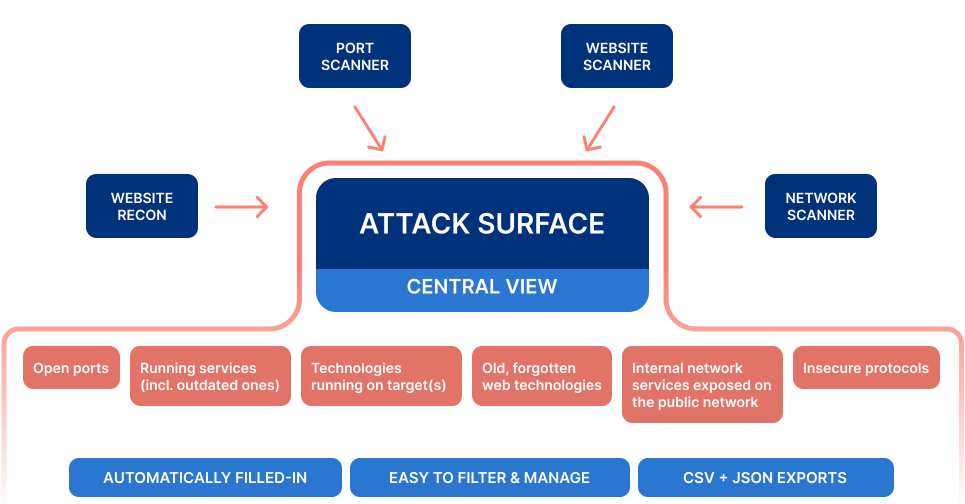
Understanding the 2026 threat landscape requires separating marketing hype from operational reality. Below are practical answers to the most common objections and clarifications regarding network security updates and penetration testing strategies.
No comments yet. Be the first to share your thoughts!